

AI Video Workflow: A Guide for Malaysian Videographers
In Malaysia’s fast-paced digital world, the demand for high-quality video is immense. Videographers face constant pressure to deliver exceptional content on tight deadlines, a challenge for freelancers and production houses alike. Traditional methods involving hours of manual footage review, transcription, and colour grading are time-consuming and creatively draining. A technological revolution is here to change that. Artificial Intelligence (AI) offers a suite of accessible tools to automate tedious tasks, boost creativity, and reclaim valuable time. For Malaysian videographers, adopting a comprehensive AI Video Workflow is no longer just an advantage—it’s a necessity for staying competitive. This guide details how to integrate AI into every production stage, from scripting to distribution, helping you work smarter and more creatively.
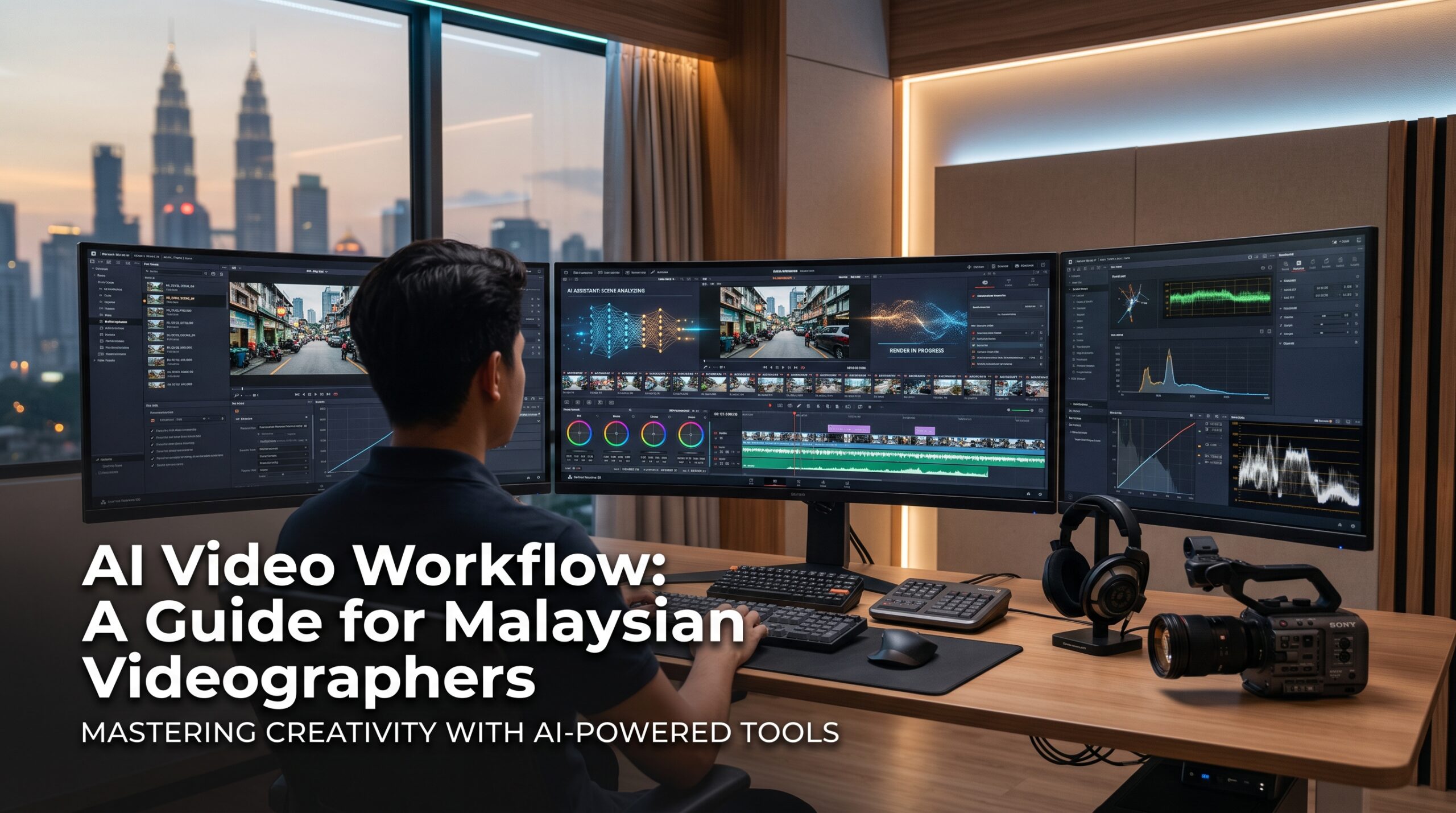
Table of Contents
- Understanding the AI Revolution in Video Production
- The Pre-Production Phase: AI-Powered Planning
- The Production Phase: Smarter On-Set Operations
- The Post-Production Powerhouse: An Automated Video Editing Workflow
- Beyond Editing: AI for Distribution and Optimisation
- Case Study: A Malaysian Event Videographer’s AI Transformation
- Developing Your Skills for the AI Era
- Frequently Asked Questions (FAQ)
Understanding the AI Revolution in Video Production
AI in video production empowers, rather than replaces, the human artist. It uses machine learning to manage repetitive, data-intensive tasks that slow down creativity. AI acts as an ultimate production assistant, analyzing footage, transcribing audio, and enhancing quality with speed and precision.
The key benefits are transformative:
- Unprecedented Speed: Tasks like subtitling or selecting the best takes from hours of footage can be done in minutes instead of hours.
- Enhanced Efficiency: Automating mundane tasks frees videographers to focus on storytelling, cinematography, and creative editing.
- Creative Augmentation: AI unlocks new creative possibilities, from generating visual effects to suggesting colour palettes, expanding what’s achievable on a budget.
- Improved Consistency: AI ensures technical consistency in areas like colour grading and audio levels across entire projects.
For the Malaysian market, where content is consumed rapidly across platforms like TikTok and Instagram, producing more quality content without burnout is a major competitive advantage.
The Pre-Production Phase: AI-Powered Planning
An effective AI Video Workflow streamlines a project’s foundational stages long before filming begins, establishing a clear vision to save hours of revisions later.
AI for Idea Generation and Scriptwriting
AI language models like ChatGPT or Jasper are powerful brainstorming partners that overcome writer’s block. By providing a simple concept, such as “a 60-second promo for a Johor Bahru co-working space,” you can receive multiple script outlines, dialogue, and narrative ideas in seconds. This accelerates idea iteration and helps you present developed concepts to clients faster.
AI-Powered Storyboarding and Visualisation
After finalizing a script, AI image generators like Midjourney or DALL-E 3 can create storyboards from text descriptions. A prompt like “cinematic drone shot of Petronas Towers at sunset” produces a visual reference that aligns the entire team on the desired aesthetic. This reduces miscommunication and speeds up approvals.
The Production Phase: Smarter On-Set Operations
While production remains heavily reliant on human skill, AI is being integrated into on-set tools to make shooting more efficient.
AI-Enhanced Camera Technology
Modern cameras integrate AI-driven features like sophisticated eye-tracking autofocus. This technology maintains sharp focus on moving subjects, resulting in more usable takes and less need for manual focus adjustments in post-production.
AI for On-Set Logging and Transcription
In projects heavy with interviews or dialogue, AI transcription services offer near-real-time transcripts on set. This helps producers confirm they’ve captured key soundbites and allows editors to navigate footage via text later, a much faster process than manual searching. Many tools support Malaysia’s multilingual needs, including Bahasa Melayu, Mandarin, and Tamil.
The Post-Production Powerhouse: An Automated Video Editing Workflow
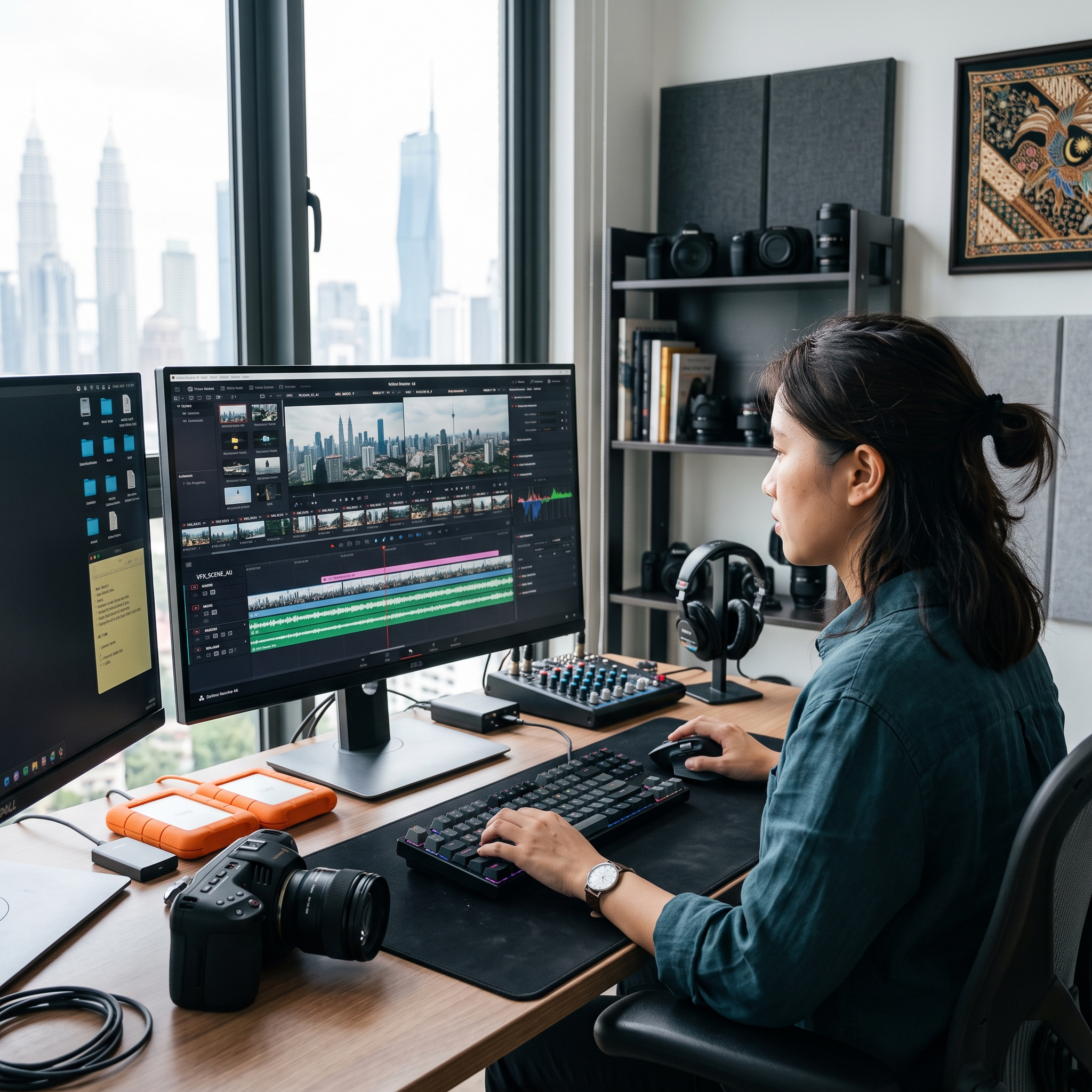
Post-production is where AI offers the most significant opportunities to save time video editing. An automated video editing workflow can transform this process from a marathon into a sprint.
Step 1: Automated Culling and Scene Selection
AI tools automate culling by analyzing footage for technical quality, such as sharpness and stability, and identifying key moments like emotional reactions or clear dialogue. This provides a curated selection of the best clips, letting you start the creative edit immediately.
Step 2: AI-Powered Rough Cuts with Text-Based Editing
Revolutionary text-based editing, found in tools like Descript and Adobe Premiere Pro, transcribes all dialogue. You create a rough cut by simply editing the text document; deleting or rearranging sentences automatically edits the video timeline. This assembles a narrative far faster than traditional methods.
Step 3: Intelligent Audio Enhancement
AI audio tools are game-changers for achieving professional sound. Services like Adobe Podcast Enhance remove background noise and echo, making dialogue sound studio-quality. In-editor AI can also auto-duck music, lowering its volume during speech, a task that once required tedious manual keyframing.
Step 4: AI-Assisted Colour Grading and Correction
AI accelerates colour grading by automating initial corrections like balancing exposure, contrast, and white balance with one click. Advanced features can match the colour grade of a reference image or video clip, allowing you to quickly apply a desired aesthetic—like that of a favorite film—for a cohesive, professional look.
Step 5: Generating Subtitles with CapCut AI Malaysia and Other Tools
With most mobile videos viewed silently, subtitles are essential. Manual captioning is slow, but tools like CapCut AI Malaysia are extremely popular for their speed. CapCut’s AI auto-captioning generates accurate, timed subtitles in minutes, handling Malaysian accents well and saving hours of work. Similar features in Premiere Pro and DaVinci Resolve also streamline this vital step.
Beyond Editing: AI for Distribution and Optimisation
AI-Driven Video Summarisation and Highlights
AI tools can analyze long-form content like webinars and automatically create short, engaging highlight reels or summaries for social media. This efficiently repurposes content across multiple platforms, maximizing reach with minimal effort.
Optimising Thumbnails and Titles with AI
AI platforms analyze data to predict which thumbnails and titles will attract the most clicks from your target audience. By suggesting optimal compositions, colours, and wording, this data-driven approach can significantly boost video performance on platforms like YouTube.
Case Study: A Malaysian Event Videographer's AI Transformation
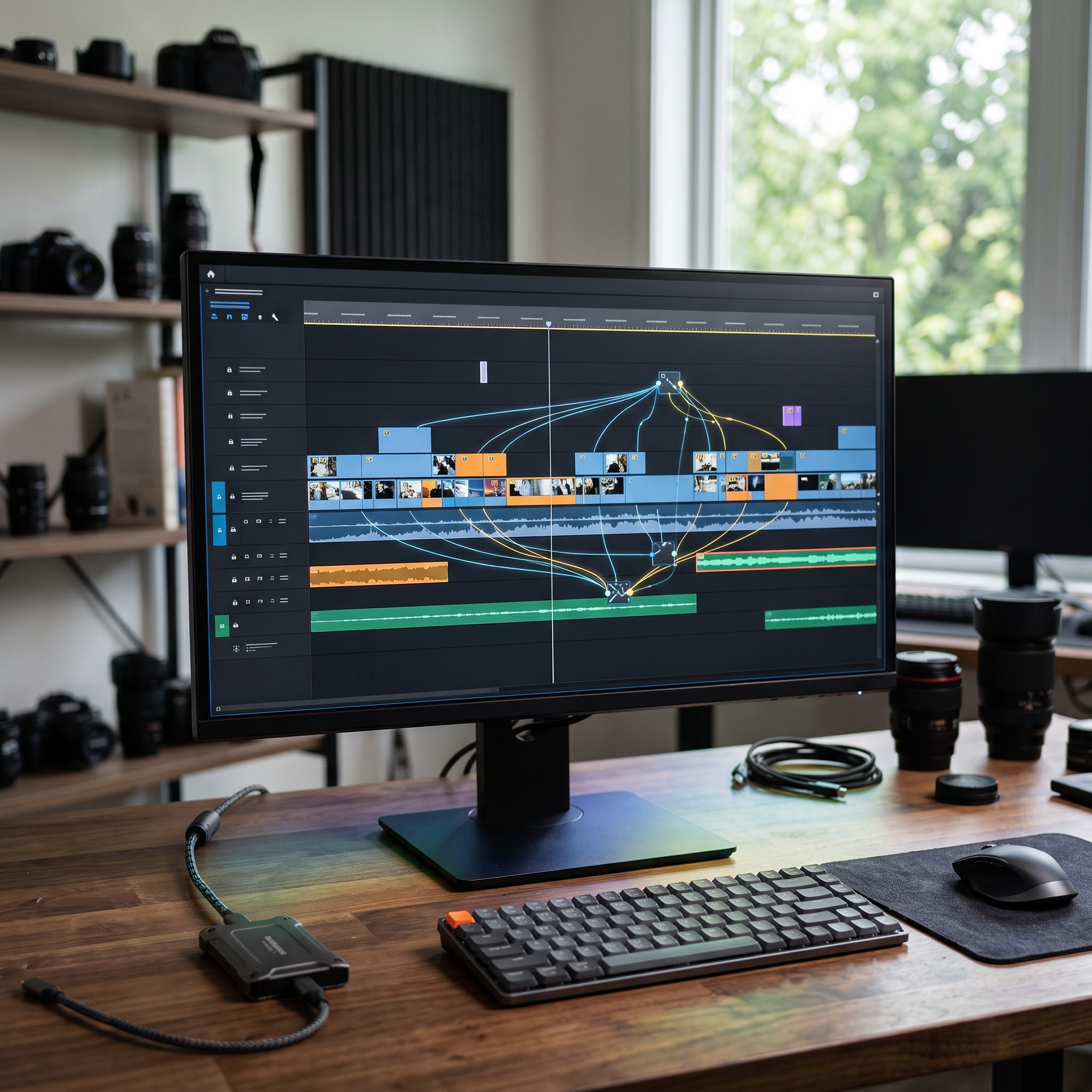
Challenge: A Selangor-based videographer struggled with the high-stress demand for same-day-edit (SDE) wedding videos. The tight turnaround for culling, selecting moments, and editing often led to creative compromises.
Approach: She adopted an AI Video Workflow. On-site, an app transcribed vows and speeches. In post, an AI culling tool identified the best shots, and text-based editing assembled the story using the transcripts. She finished with AI colour matching for consistency and CapCut AI Malaysia for quick social media subtitles.
Outcome: This workflow cut her SDE production time by nearly 50%, reducing stress and improving the final product’s quality. Delivering the highlight reel before the wedding dinner ended delighted her clients and led to significant word-of-mouth referrals.
Developing Your Skills for the AI Era
AI tools are powerful but require new skills. Mastery involves effective prompting, choosing the right tool for each task, and integrating them into your creative workflow. While self-learning is an option, professional, structured training from experts accelerates this process significantly. A good curriculum offers hands-on experience and insights beyond online tutorials. Earning a certification from a recognized body, like one accredited by the China Photographers Association, validates your skills and boosts credibility with clients. Investing in education is key to not just keeping up with the AI revolution, but leading it.
The future of video production is AI-powered. For Malaysian videographers, this is a prime opportunity to elevate their craft, streamline operations, and improve work-life balance. By embracing a comprehensive AI Video Workflow, you can automate tedious tasks, amplify creativity, and focus on telling compelling stories that captivate audiences.
Frequently Asked Questions (FAQ)
The best tools depend on your needs. Some of the most impactful include:
- Integrated NLE Features: Premiere Pro and DaVinci Resolve have powerful AI features (text-based editing, voice isolation, auto subtitles) built directly into your existing workflow.
- Text-Based Editing: Descript is a standalone app ideal for interview content, allowing you to edit video by editing text.
- Social Media & Captions: CapCut is popular in Malaysia for its user-friendly interface and fast, effective AI auto-captioning for social media.
- Visual Enhancement & Effects: RunwayML provides creative tools like object removal and text-to-video. Topaz Video AI excels at upscaling, de-noising, and frame rate conversion.
The time saved is substantial, especially for repetitive tasks:
- Transcription and Subtitling: A task that takes an hour manually can be done by AI in under 5 minutes with >95% accuracy, saving over 90% of your time.
- Rough Cut Assembly: Text-based editing can cut the time for a 30-minute interview rough cut from 4 hours to less than one.
- Overall Project: A full AI workflow can reduce total post-production time by 30-60%, enabling faster project completion and a higher workload capacity.
A complete AI-powered workflow integrates AI into four key phases to maximize efficiency:
- Pre-Production: Brainstorm ideas, write scripts, and generate storyboards using AI writers and image generators.
- Production: Utilize AI camera features like advanced autofocus and on-set AI transcription for logging dialogue.
- Post-Production: The core of the workflow. Use AI to auto-cull footage, create text-based rough cuts, enhance audio, perform initial colour correction, and generate subtitles.
- Distribution: Use AI to create social media highlights, optimize thumbnails and titles, and analyze video performance.